driver concealment service access application illustration

Driver Concealment & Service Access

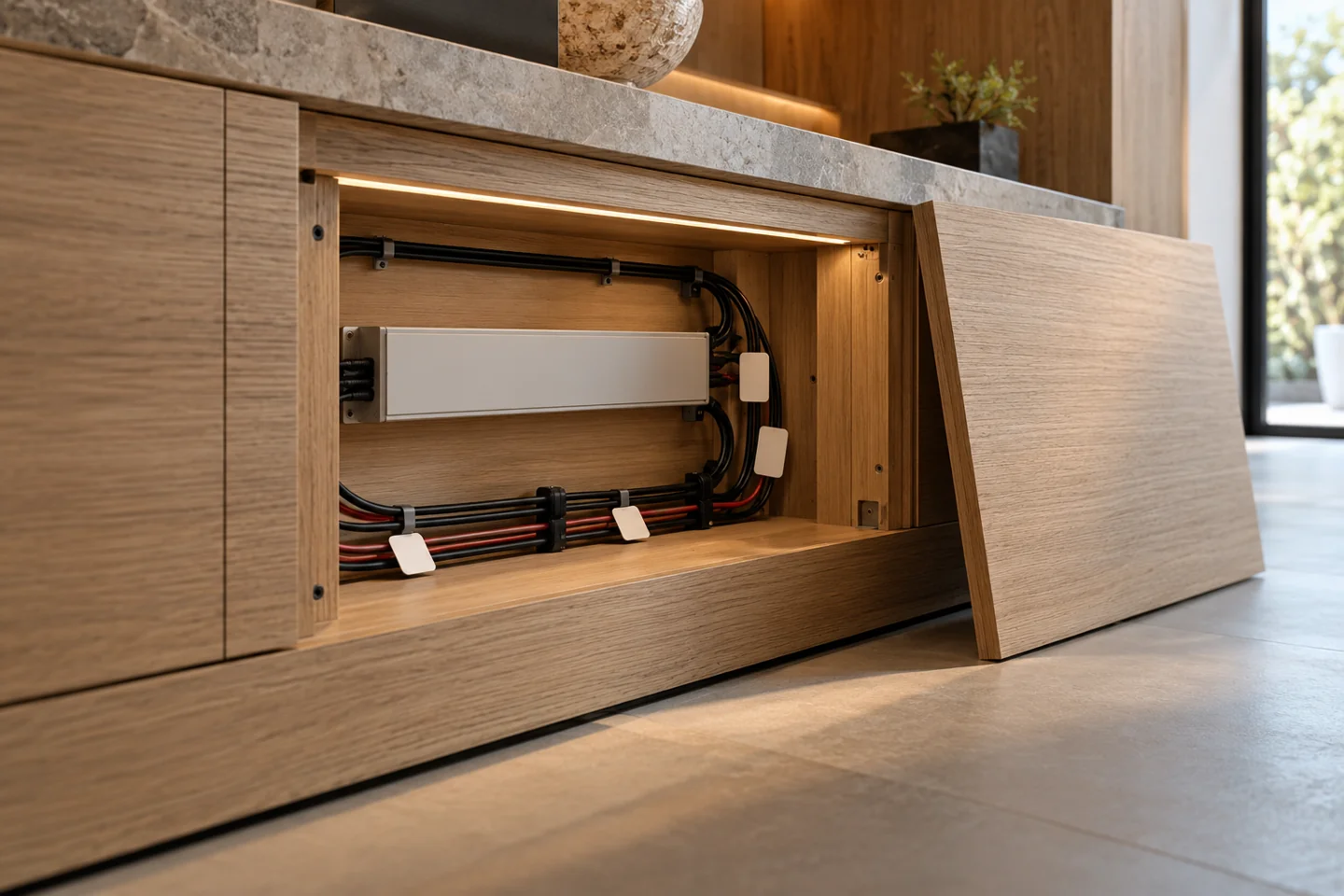
Added as the twentieth subscene: reserve an accessible electrical compartment and a route for replacement without dismantling finished joinery.

Discuss this assembly
AI-generated application illustration; not a completed BEXLIGHT project or measured performance. Component interfaces are illustrative.

From the drawing
to the sample review.

Added as the twentieth subscene: reserve an accessible electrical compartment and a route for replacement without dismantling finished joinery.

Drawing & design inputs

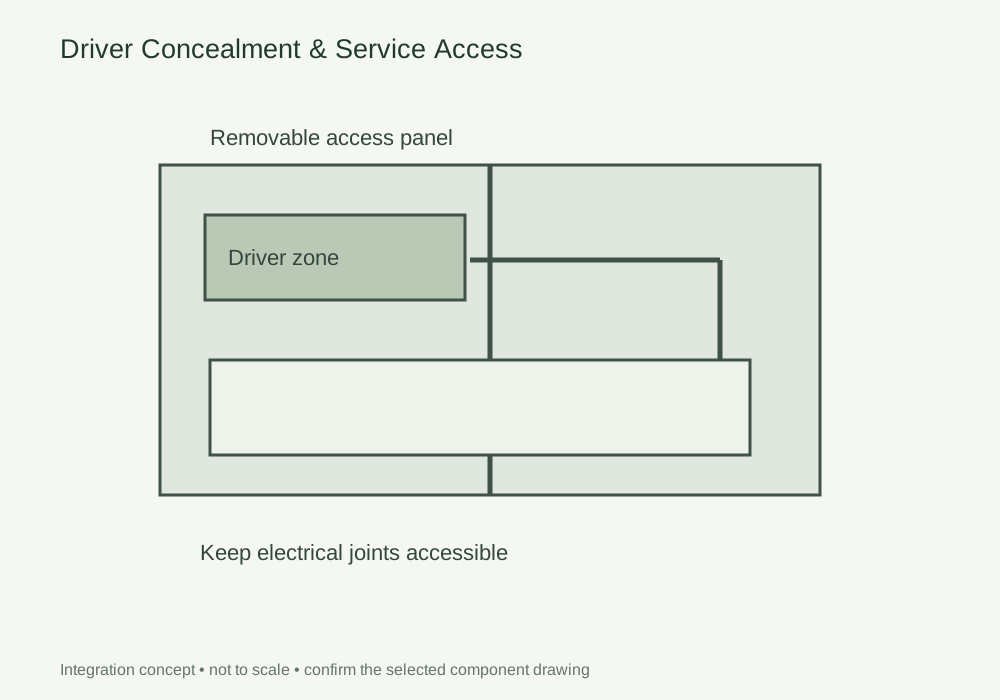
Reserve the driver, junction, cable bend and ventilation space in the drawing. Show the replacement path after adjoining joinery and finishes are complete.

Assembly & coordination

Review dimensions, loading and terminal access against the selected driver documentation. Keep the mains and low-voltage arrangement within the project electrical design.

Sample & acceptance review

Demonstrate access and replacement in a representative furniture section. Check disconnection, identification and the service panel detail, then retain these with the final assembly schedule.

DESIGN DECISIONS

Conceal the driver without concealing the service route

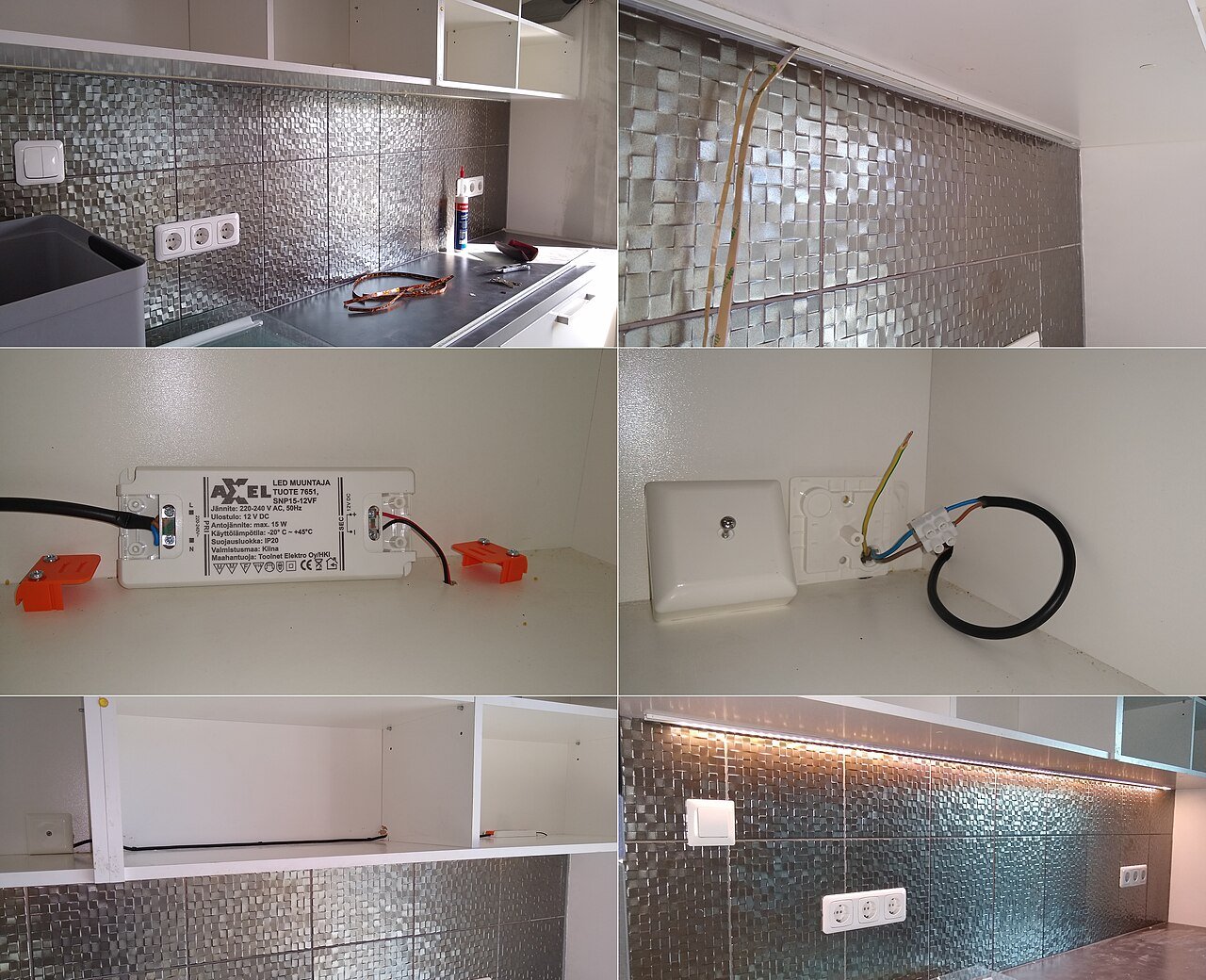
A hidden driver is useful only if it can be inspected and replaced after installation. Draw the service panel open as well as closed. Include terminal space, cable bends and the removal path, then check whether nearby shelves, hinges or wall finishes obstruct access once the furniture is complete.

DecisionRequired inputReview with the sample
Available volumeDriver envelope and cable bend spaceCheck the selected model instructions and terminal access
Electrical layoutMains and low-voltage routingCoordinate with the responsible electrical designer
MaintenanceService panel and replacement routeDemonstrate removal without dismantling unrelated joinery

Driver Concealment & Service Access
Integration detail.

Use this concept to mark mounting positions, cable paths and service clearances on your fixture drawing. Dimensions and component references belong on the project drawing before machining.

Driver Concealment & Service Access — installation and service concept
Integration concept, not to scale. Confirm mounting dimensions and interfaces against the selected components.

Specify the interfaces,
not only the light source.

Use these selection questions in the assembly brief. Confirm availability, compatibility and performance for the proposed configuration.

Ultra-Thin Furniture Power Junction Box

Check enclosure dimensions, cable strain relief and service access alongside the driver and protection requirements.

Light sources &
assembly scope.

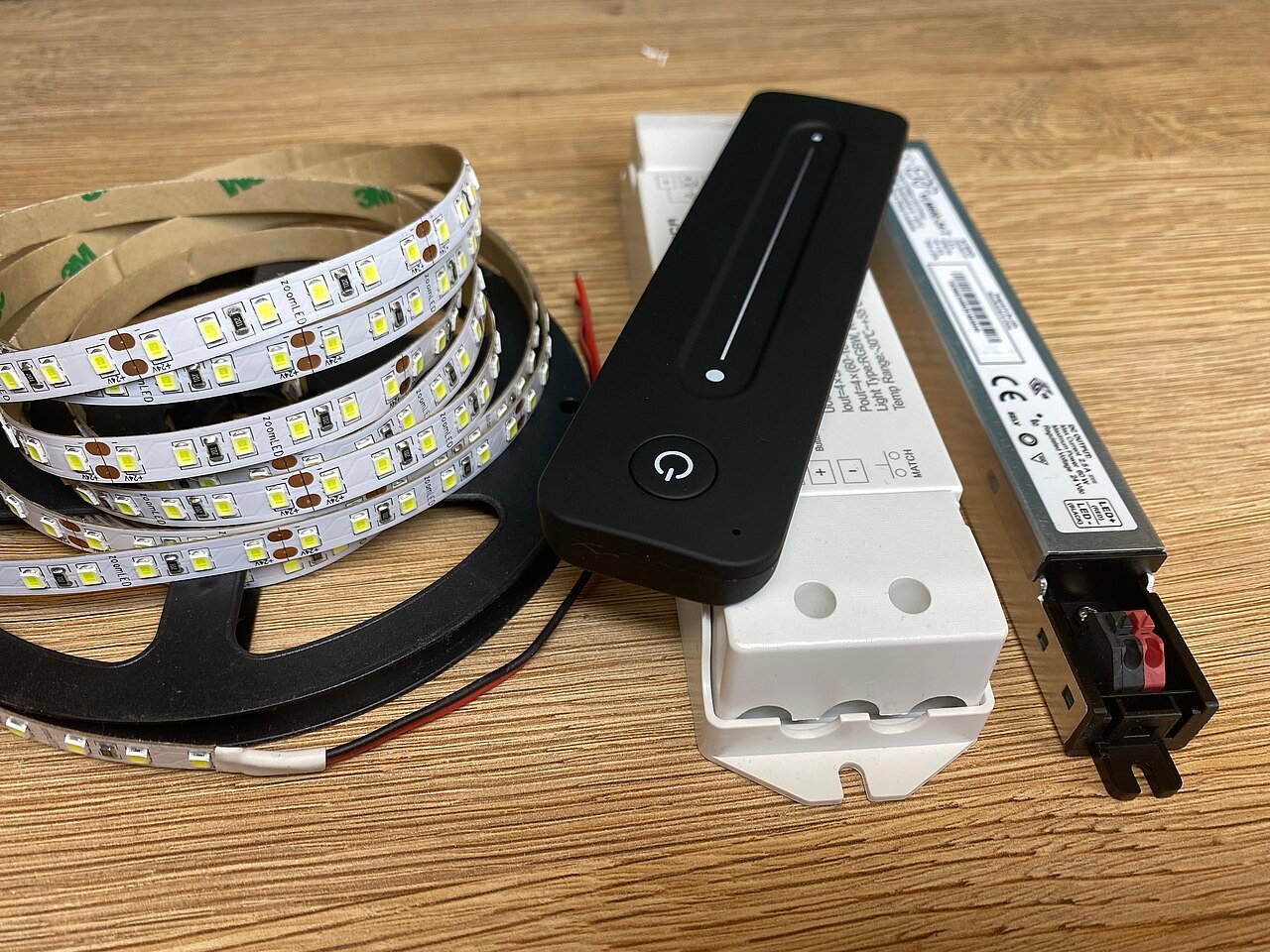
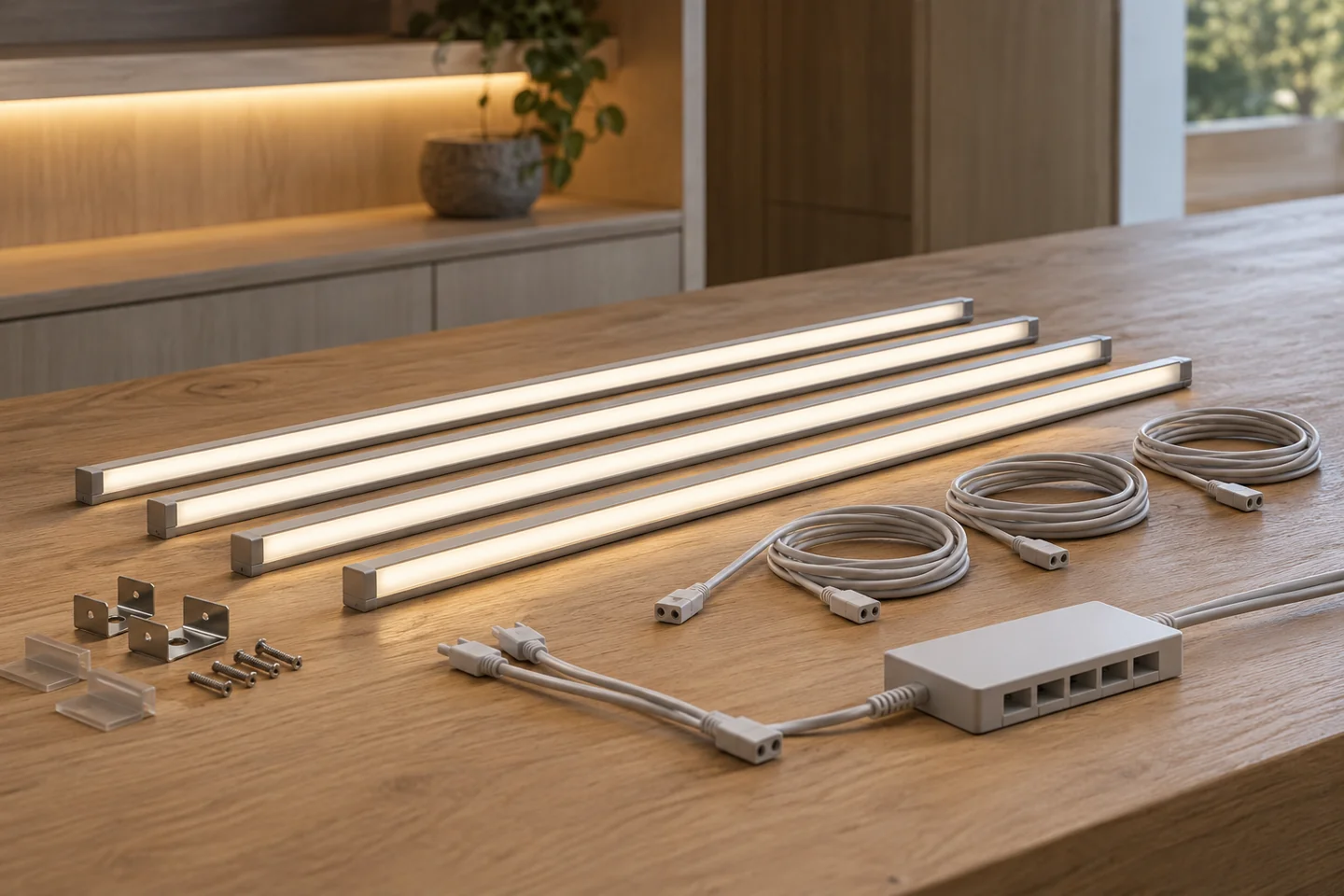
Compare the source with the fixture dimensions and intended light effect. A complete supply schedule also identifies the profile, controls, connectors and the work included in the assembly.

Define the assembly before selecting a source.

This detail includes components beyond an LED strip. The catalogue does not identify a complete, approved kit for this arrangement. Send the fixture section and required operation so the source, control and mechanical interfaces can be reviewed together.

  • Light source: dimensions, colour requirement, section lengths and supply voltage.
  • Fixture parts: profile or support, diffuser, end fittings and service access.
  • Control and wiring: sensor or controller reference, mating connectors and cable schedule.

Compare catalogue light sources → Review the wider furniture system →

Discuss components for this detail

Turn the detail
into an orderable brief.

State the quantity basis and open decisions. A labelled assembly schedule keeps design, purchasing and installation working from the same reference.

  • Drawing revision and finished dimensions
  • Module quantity and order basis
  • Source, profile and control references
  • Cable exits and service access
  • Required sample and acceptance records
Request an assembly review

FREQUENTLY ASKED QUESTIONS

Driver Concealment & Service Access FAQ

Practical answers for the furniture drawing, sample review and purchasing brief.

Ask a project question →
Can a driver be fully sealed inside a cabinet panel?

Do not make that assumption. The selected driver instructions and project electrical design determine enclosure, ventilation and access requirements.

How should replacement parts be identified?

Keep the driver reference, output configuration, connected branch schedule and drawing revision in the handover pack. Record approved substitutions explicitly.

Can the driver be sealed behind a fixed back panel?

The selected driver instructions and project design determine the enclosure, ventilation and access provisions. Draw a practicable replacement route before closing the panel. Concealment should not be treated as approval for an inaccessible installation.

What should our driver concealment & service access enquiry include?

Include Drawing revision and finished dimensions, Module quantity and order basis, Source, profile and control references. Add quantities by furniture module and identify the configuration or sample already selected. This gives the drawing review a defined scope before pricing and assembly approval.

CONTINUE THE SPECIFICATION

Guides for the
next design decision.

Use the wider furniture brief to coordinate this lighting detail with adjacent modules and project teams.

Your lighting requirement

Your lighting requirement

We use these details to review and respond to your request. Privacy information