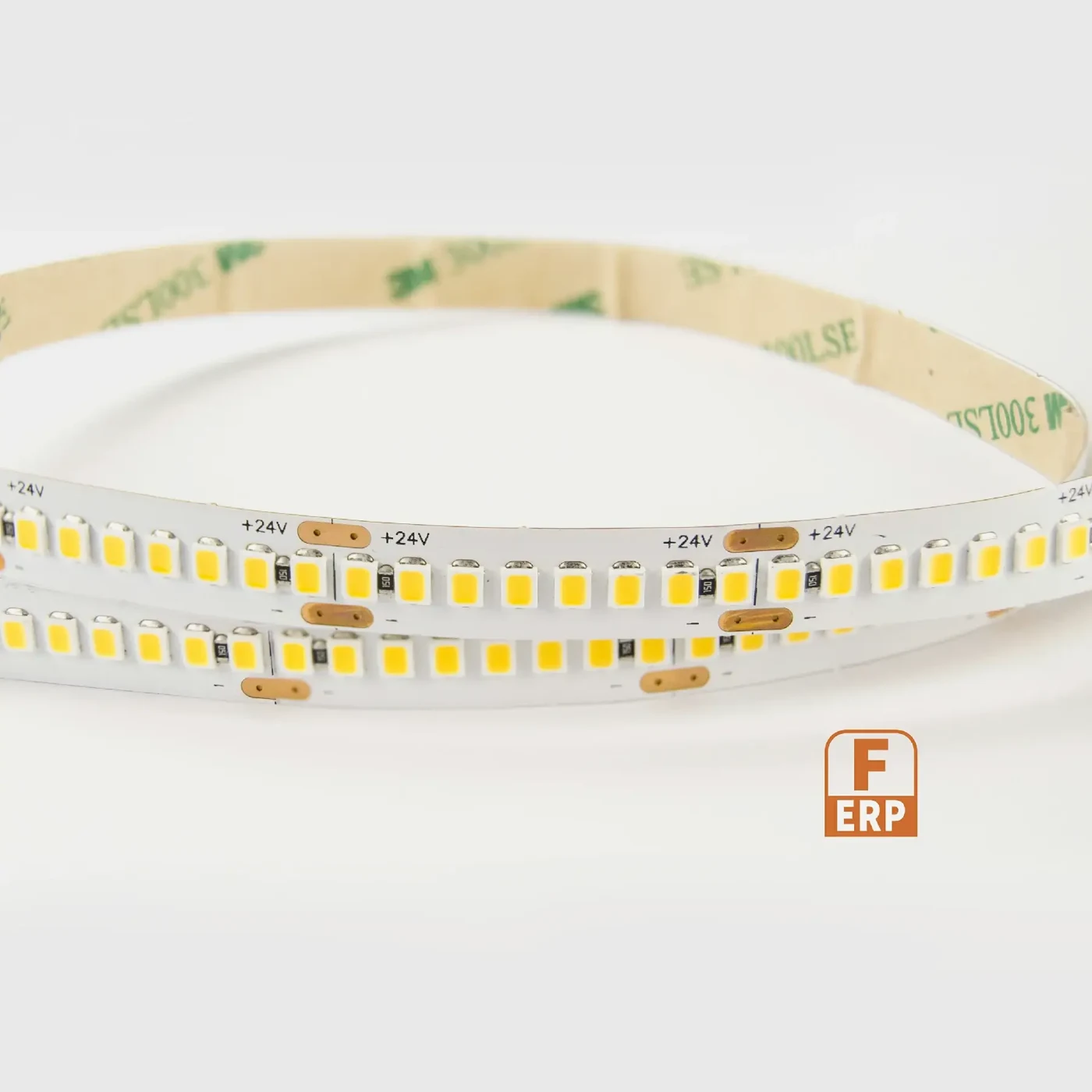
Inspect the actual light-source construction
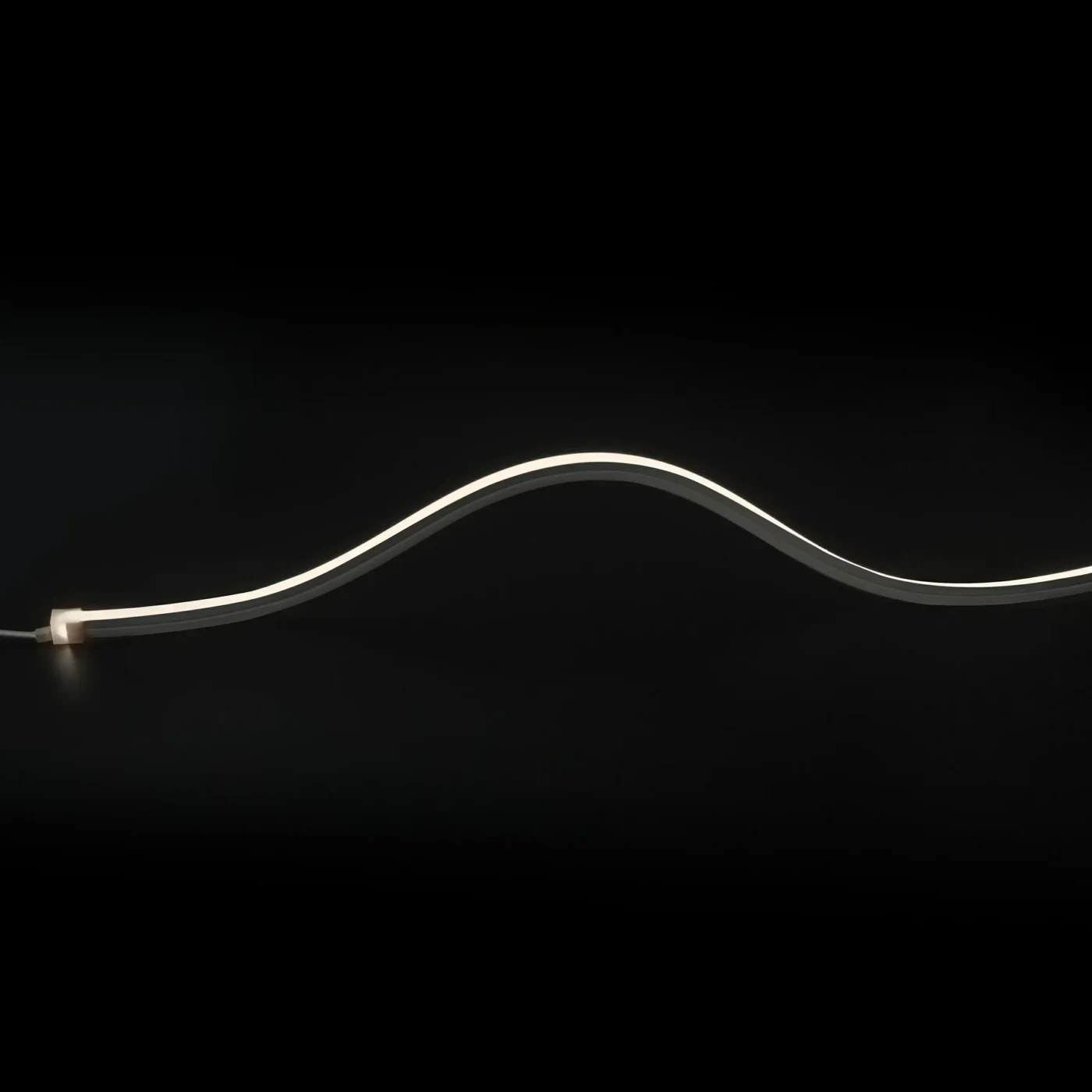
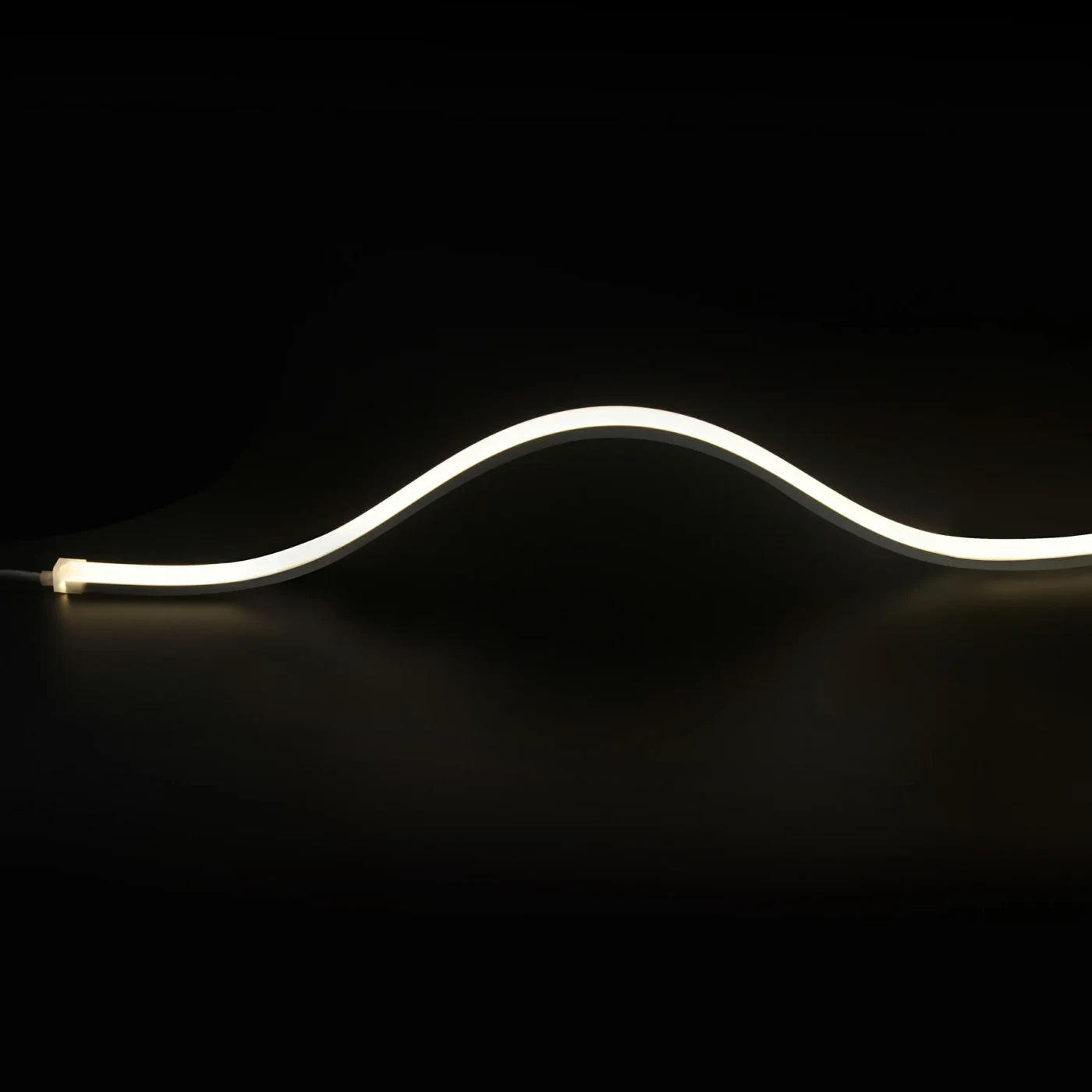
A close view of an LED strip helps distinguish the board, packages and electrical sections. Use the selected model drawing for its dimensions and cutting interval.

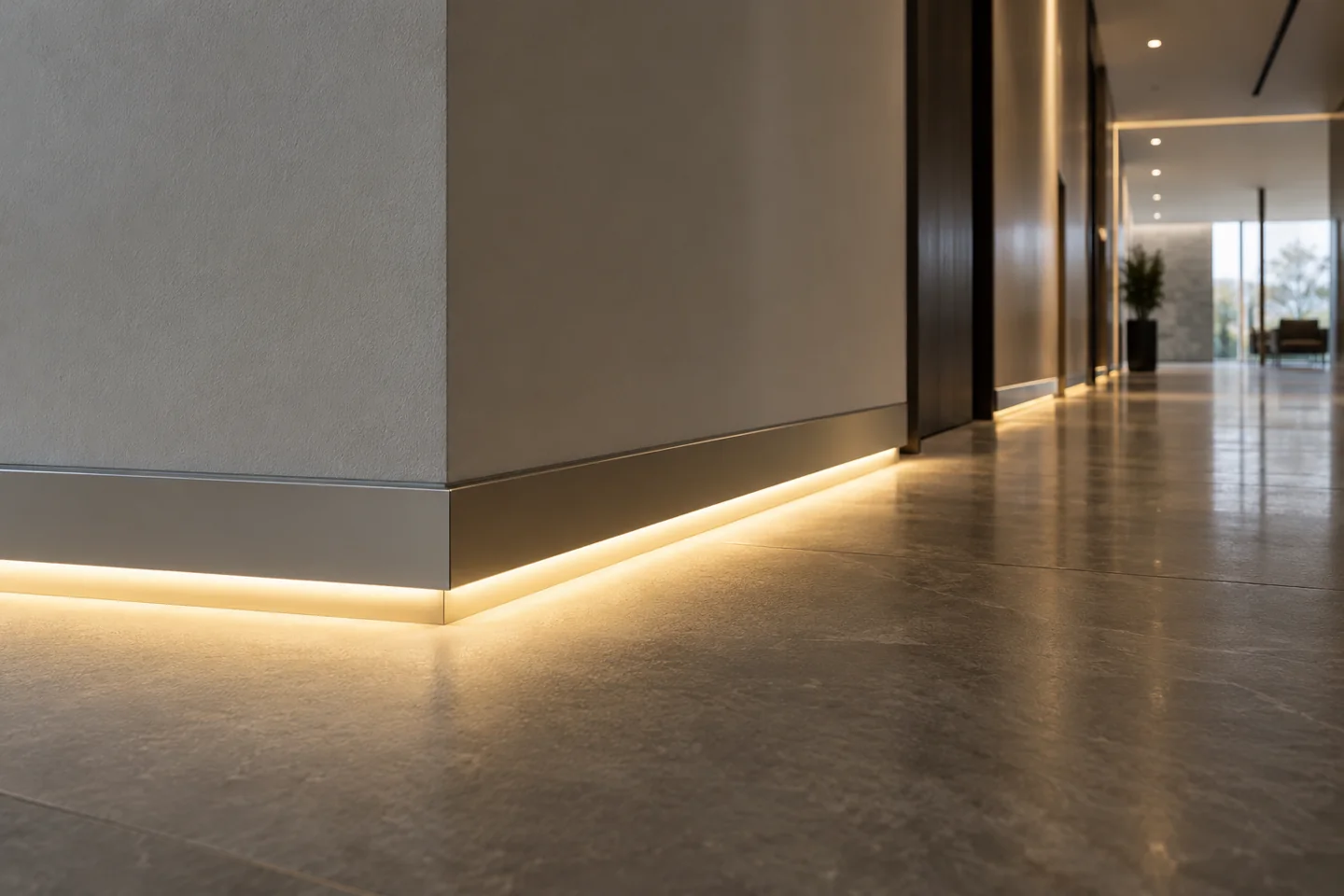
Plan a continuous line through doors, corners and finishes with identified feed points and replaceable light sections.
Discuss this assemblyPlan a continuous line through doors, corners and finishes with identified feed points and replaceable light sections.
Draw runs, doors, corners and the floor junction. Define light direction, cleaning exposure and accessible feeds before ordering the profile lengths.
Coordinate profiles, corner pieces, removable covers and light sections. Confirm replacement without damaging finishes, and review optics before expecting a uniform wall wash.
Inspect the actual floor and wall finishes, including corners and breaks. Check continuity, source images and service access, retaining the joint and feed schedule with the approval.
DESIGN DECISIONS
An illuminated skirting profile has to negotiate doorways, corners and floor tolerances. Start with the wall and floor section, then choose whether the desired effect is a floor wash, shadow line or wall wash. Those effects need different source positions and optics; one generic baseboard image cannot define all three.
| Decision | Required input | Review with the sample |
|---|---|---|
| Junctions | Doors, corners and floor transitions | Specify returns and feed positions per run |
| Light direction | Floor and wall finish samples | Approve the actual wash with the intended optic |
| Maintenance | Removable covers and replacement access | Confirm access before fixing the profile permanently |
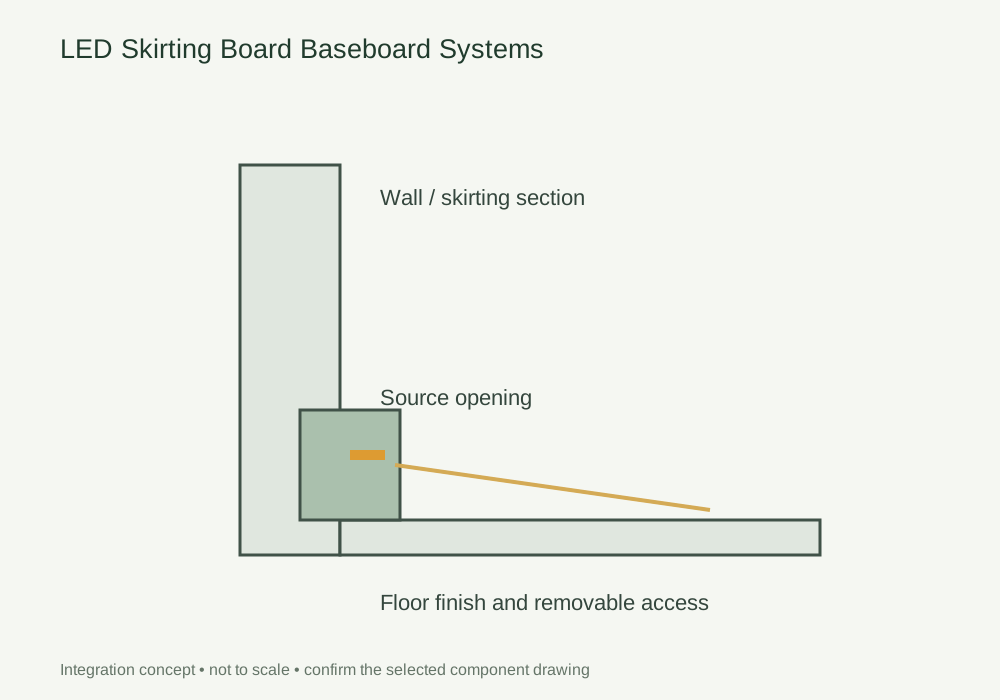
Use this concept to mark mounting positions, cable paths and service clearances on your fixture drawing. Dimensions and component references belong on the project drawing before machining.
Photographs support the adjacent selection decisions. The exact delivered components and their performance need their own drawings, documents and sample review.
A close view of an LED strip helps distinguish the board, packages and electrical sections. Use the selected model drawing for its dimensions and cutting interval.
Use these selection questions in the assembly brief. Confirm availability, compatibility and performance for the proposed configuration.
Check the floor junction, corner accessories and cable access.
Review the intended setback, wall finish and optical data rather than assuming a uniform wash.
Compare the source with the fixture dimensions and intended light effect. A complete supply schedule also identifies the profile, controls, connectors and the work included in the assembly.
State the quantity basis and open decisions. A labelled assembly schedule keeps design, purchasing and installation working from the same reference.
FREQUENTLY ASKED QUESTIONS
Practical answers for the furniture drawing, sample review and purchasing brief.
Ask a project question →No. The source position, optic, wall distance and finish affect the distribution. Review the actual section and target surface.
List the corner type, joint detail and light-section termination for each run. Avoid assuming that an extrusion corner automatically provides an electrical continuation.
Review the wall/floor junction, tolerances and fixing method with the selected section. Check light gaps and visible alignment on the actual finish. Do not force the extrusion to compensate for unspecified substrate conditions.
Include Drawing revision and finished dimensions, Module quantity and order basis, Source, profile and control references. Add quantities by furniture module and identify the configuration or sample already selected. This gives the drawing review a defined scope before pricing and assembly approval.
CONTINUE THE SPECIFICATION
Use the wider furniture brief to coordinate this lighting detail with adjacent modules and project teams.
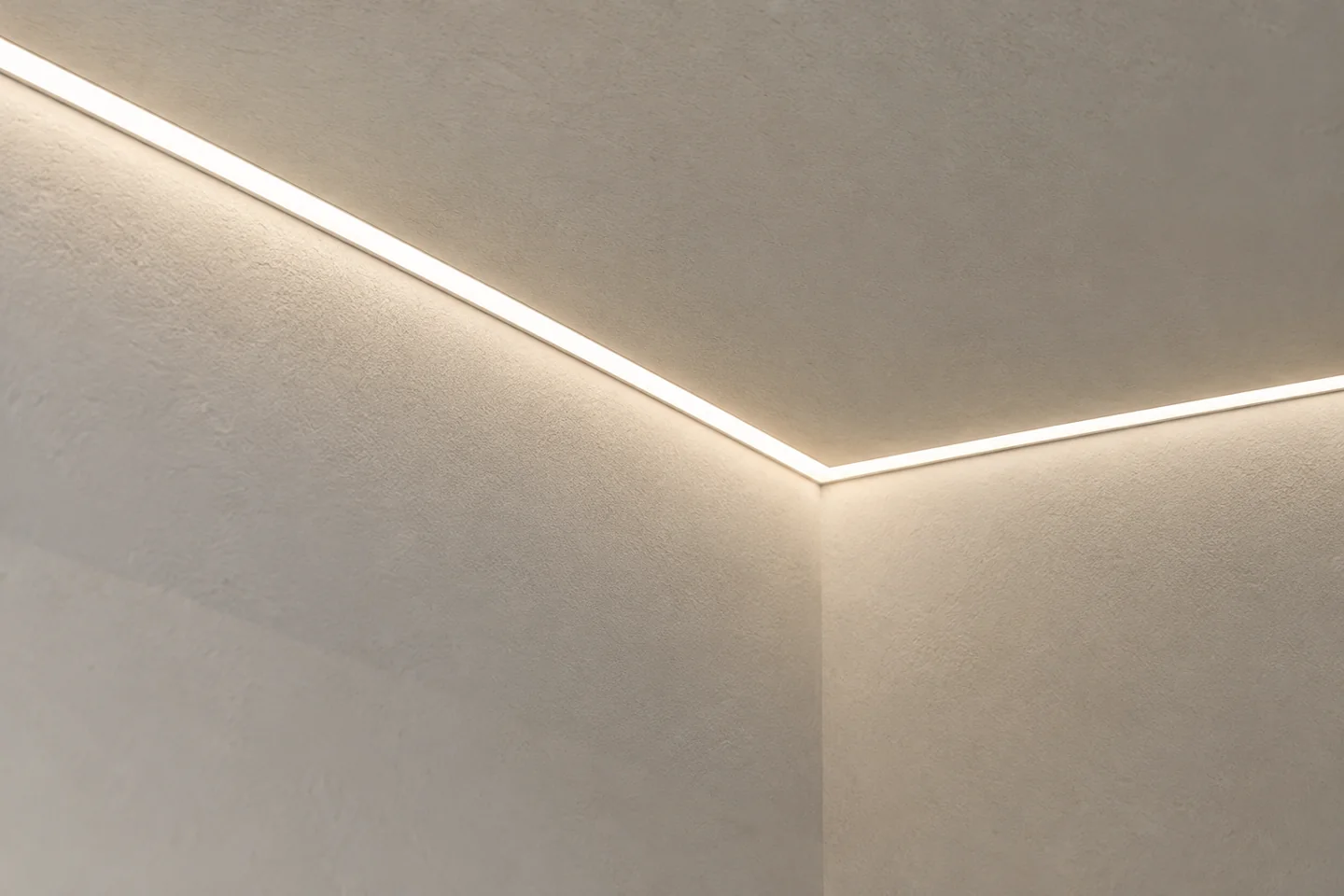
Resolve the profile-to-board detail, joint treatment and finished light opening before the finishing trades start.
View the solution →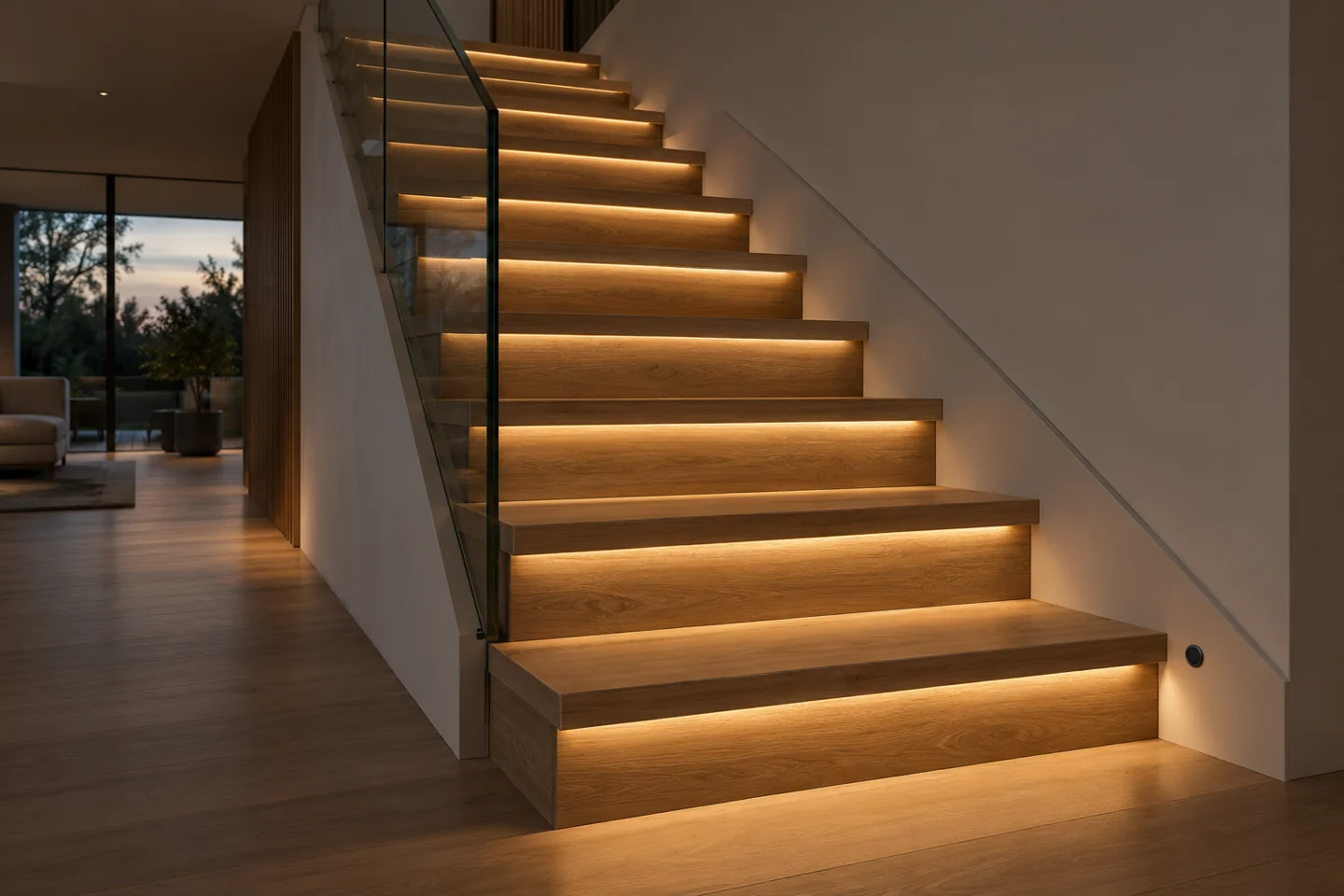
Define activation from both ends, the number of steps and the required fallback behaviour before selecting controls.
View the solution →