
Strip load and driver-capacity worksheet
Calculate a declared DC strip load and compare a driver-capacity scenario.
Updated October 26, 2026
Discuss your requirementOn this page
Calculate a declared DC strip load and compare a driver-capacity scenario. The utilization entry is an assumption chosen for the exercise; it does not replace the exact driver’s derating, startup, channel, terminal or installation checks.
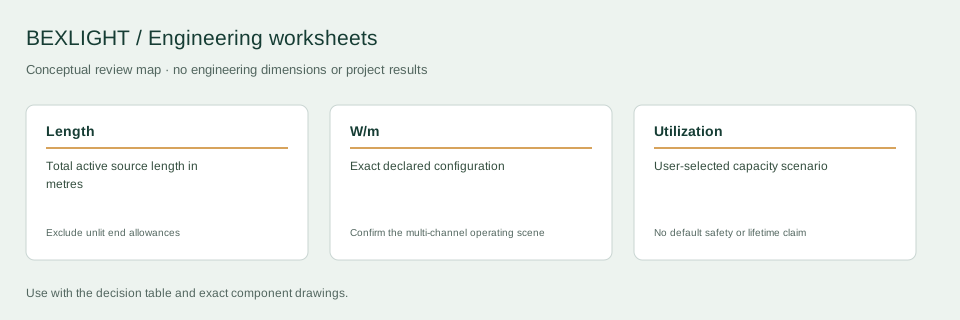
Decision and input record
| Decision | What to check | Record or boundary |
|---|---|---|
| Length | Total active source length in metres | Exclude unlit end allowances |
| W/m | Exact declared configuration | Confirm the multi-channel operating scene |
| Utilization | User-selected capacity scenario | No default safety or lifetime claim |
Choose the rating basis
Enter total active strip length in metres and the documented watts per metre for the configuration being assessed. Do not mix W/ft with W/m. For multi-channel sources, first establish the worst permitted simultaneous scene from the source and controller documentation. The single power entry here is the resulting declared load basis, not an automatic sum of unrelated catalogue numbers.
Read the equations
Load P = length × W/m. Nominal current I = P / voltage. Scenario capacity C = P / utilization, where utilization is entered as a percentage and converted to a fraction. These expressions estimate the declared DC operating point; actual measurement, voltage variation, controller consumption and other loads may require a revised design input.
Worked planning example
At hypothetical inputs of 8 m, 10 W/m, 24 V and 80% utilization, load is 80 W, nominal current is 3.33 A and scenario capacity is 100 W. The difference between 80 W and 100 W is the chosen capacity scenario, not a certified margin. The example does not establish a permissible strip run or approve any particular supply.
Use the result in a component review
Check output voltage and usable power at the actual installation conditions against the exact driver data. Review each controller channel, common terminal and connection separately. An output above the calculated capacity can still be incompatible with the required dimming interface or enclosure conditions. Record the selected components and the assumptions alongside the branch schedule.
What to include in a technical inquiry
Keep the inputs with the output when sending a technical inquiry. If wattage or simultaneous-channel behaviour is unconfirmed, obtain those values before using the scenario to choose hardware.
Discuss the application and supply scope
Continue with the relevant detail
- Power feeds for commercial cove lighting
- LED strip quotation brief for B2B buyers
- Linear lighting unit converter
Reference and scope
- MEAN WELL: driver application and operating-condition guidance. Driver-specific application reference; no BEXLIGHT product approval implied.
Tell us about your installation
Include the application, section lengths, quantity and installation conditions.
Discuss your requirement